Work across regions
Choose a suitable route when your work takes you to another location.

QuickQ download
Across your devices · Flexible connection choices · Ready for what’s next
Explore downloadsGLOBAL CONNECTION
From remote collaboration to travel across regions, learn how to choose a connection and set up your devices for the moments that matter.

Everyday moments
Whether you’re watching, learning or catching up with someone far away, start with the connection setup that fits your device and network.
More devicesUse cases
Choose a suitable route when your work takes you to another location.
Prepare your connection before a lesson or an evening of entertainment.
Test available routes to find what works best for your network.
Subscription details
Plans and prices may change. Check the actual checkout page for the current device allowance, duration and renewal terms before paying.
Explore pricing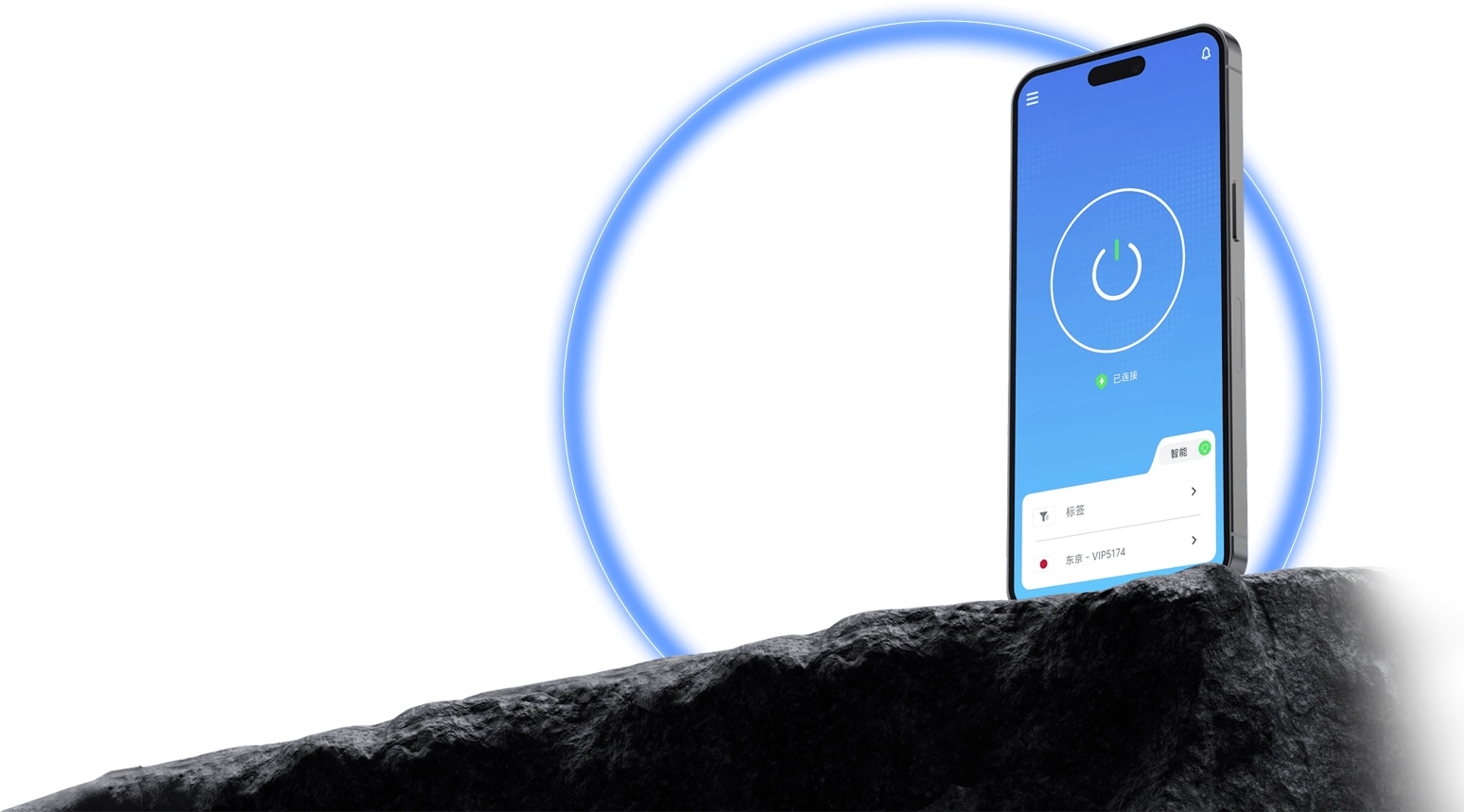
Across devices
Move between desktop and mobile devices with setup guidance tailored to each operating system.
Explore devices
Why QuickQ
Check your device first, then follow the relevant installation and sign-in steps.
Try different routes for your region and purpose; results depend on your network.
Find guidance for computers, phones and tablets in one place.
Start with the FAQ when you run into a connection or account issue.
FAQ
Use a verified official channel and check the publisher and version. We do not provide installers whose source we cannot verify.
Confirm your local internet works, then check app permissions, account status and the selected route. Try another route if needed.
That depends on the plan you purchase. Check the current device terms at checkout or in your account.
Prices, currencies and offers may change. Check the official checkout page for current details; we do not list unverified prices.
Start with your device and find a straightforward path forward.
View download guide